
Order management
built for Discord
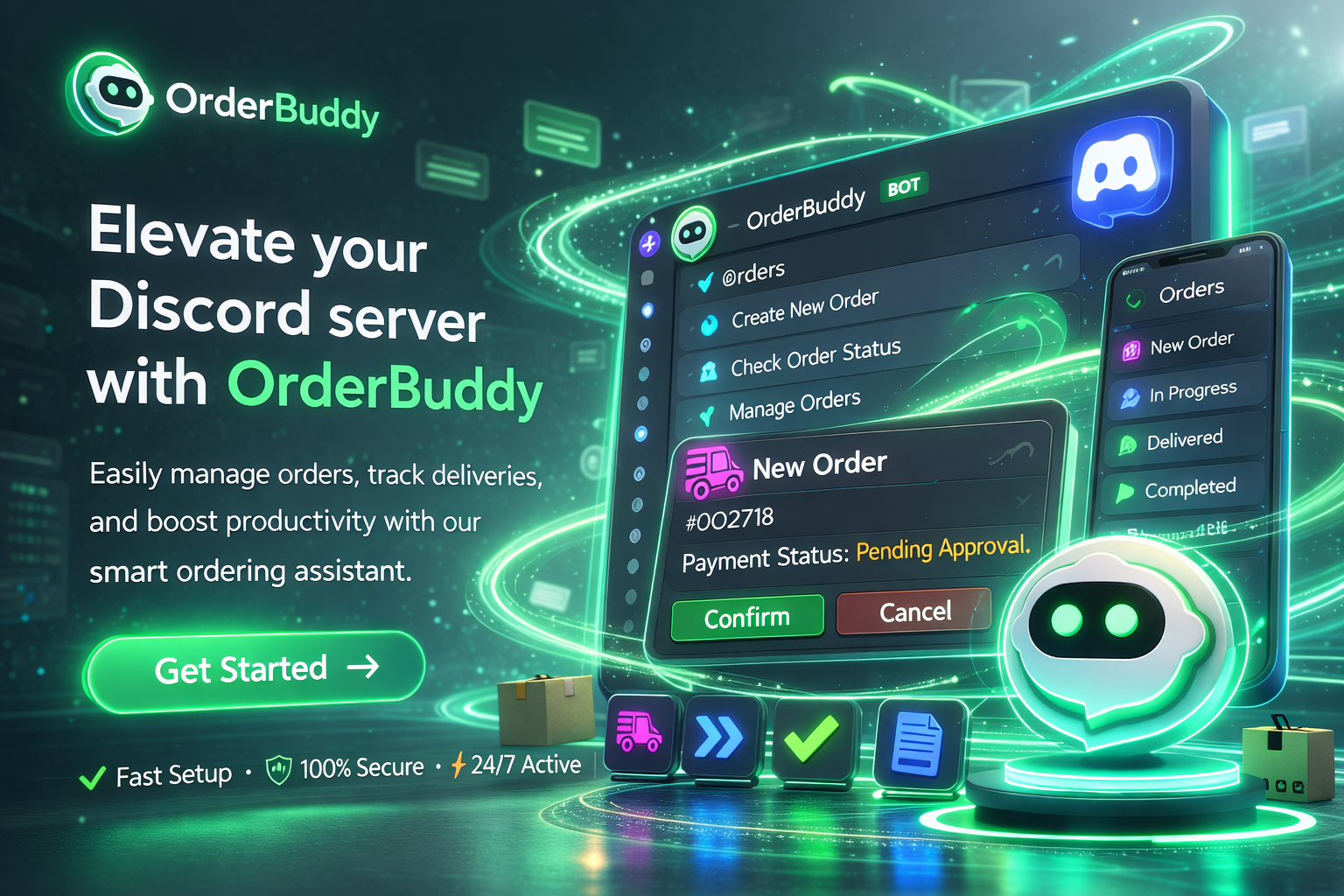
Let your community place, track, and manage orders — all without leaving Discord. Simple commands, real-time updates, zero friction.
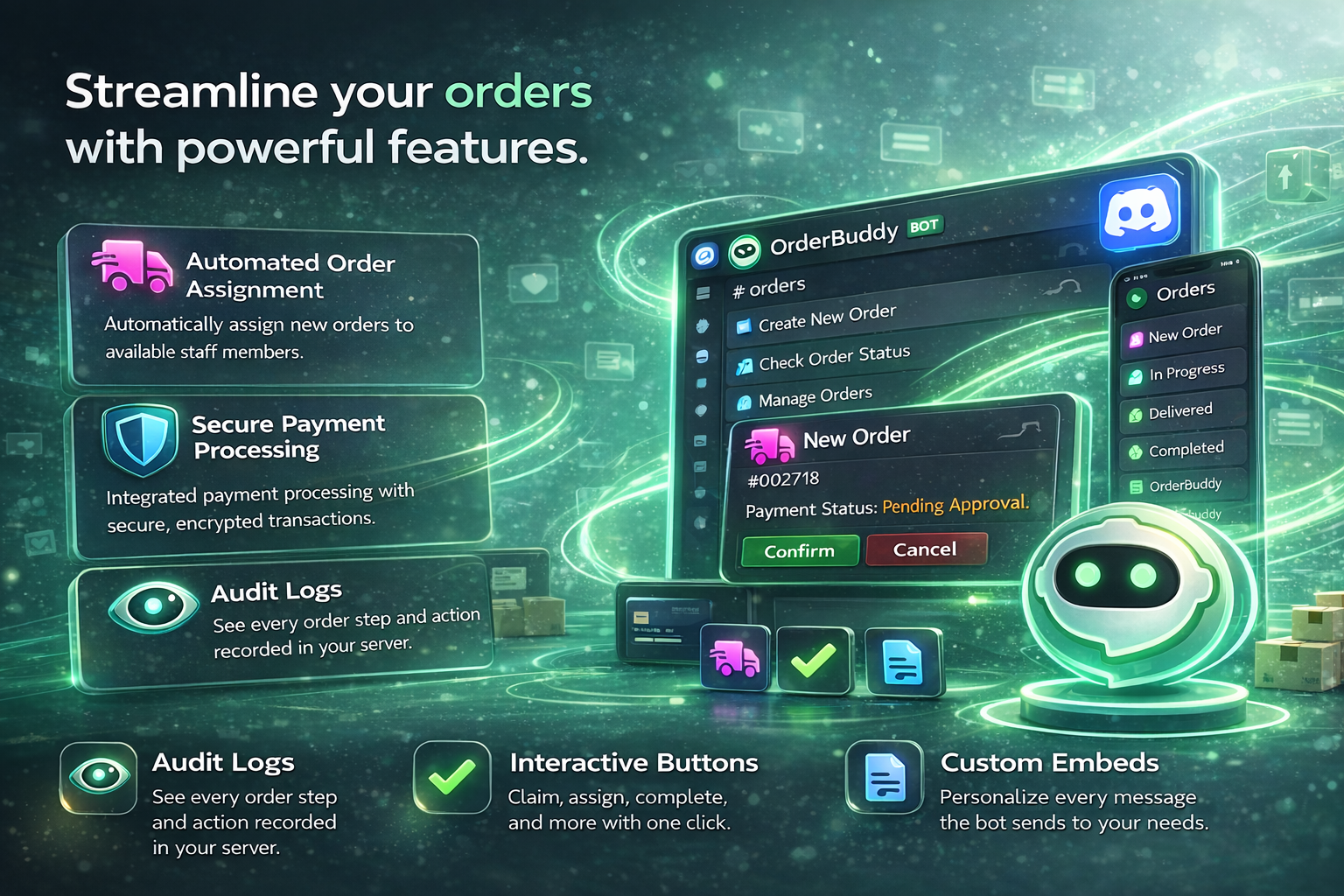
Streamline your orders
Everything you need to manage orders at scale — from automated assignment to detailed audit trails.
- Auto-assign orders to online staff
- Full audit log for every action
- Interactive buttons — no commands needed
Simple slash commands
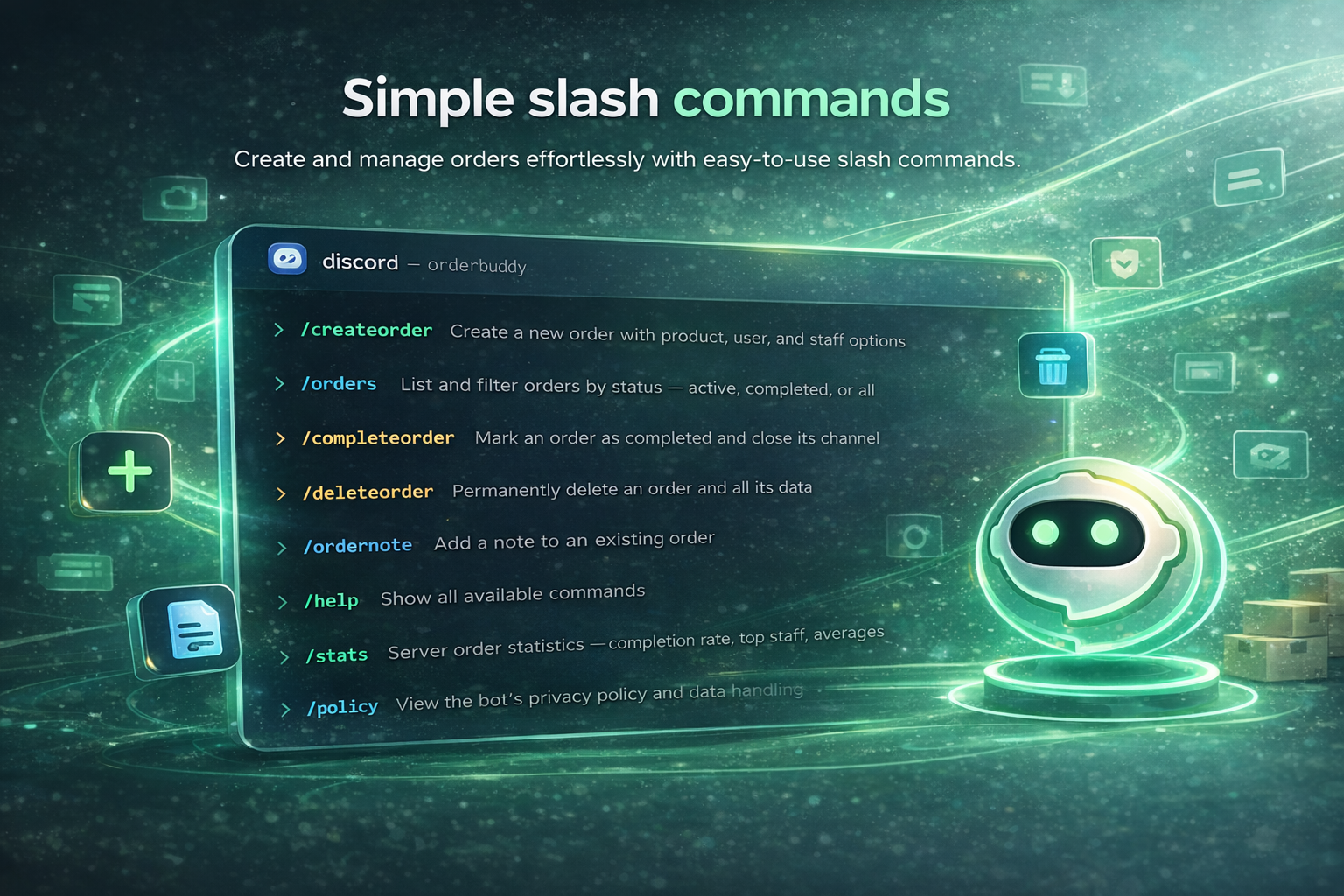
Create and manage orders effortlessly with easy-to-use slash commands. Eight powerful commands cover everything from order creation to statistics.
- 8 commands for full order control
- Built-in help and stats tracking
- Privacy policy command included
Your server at a glance
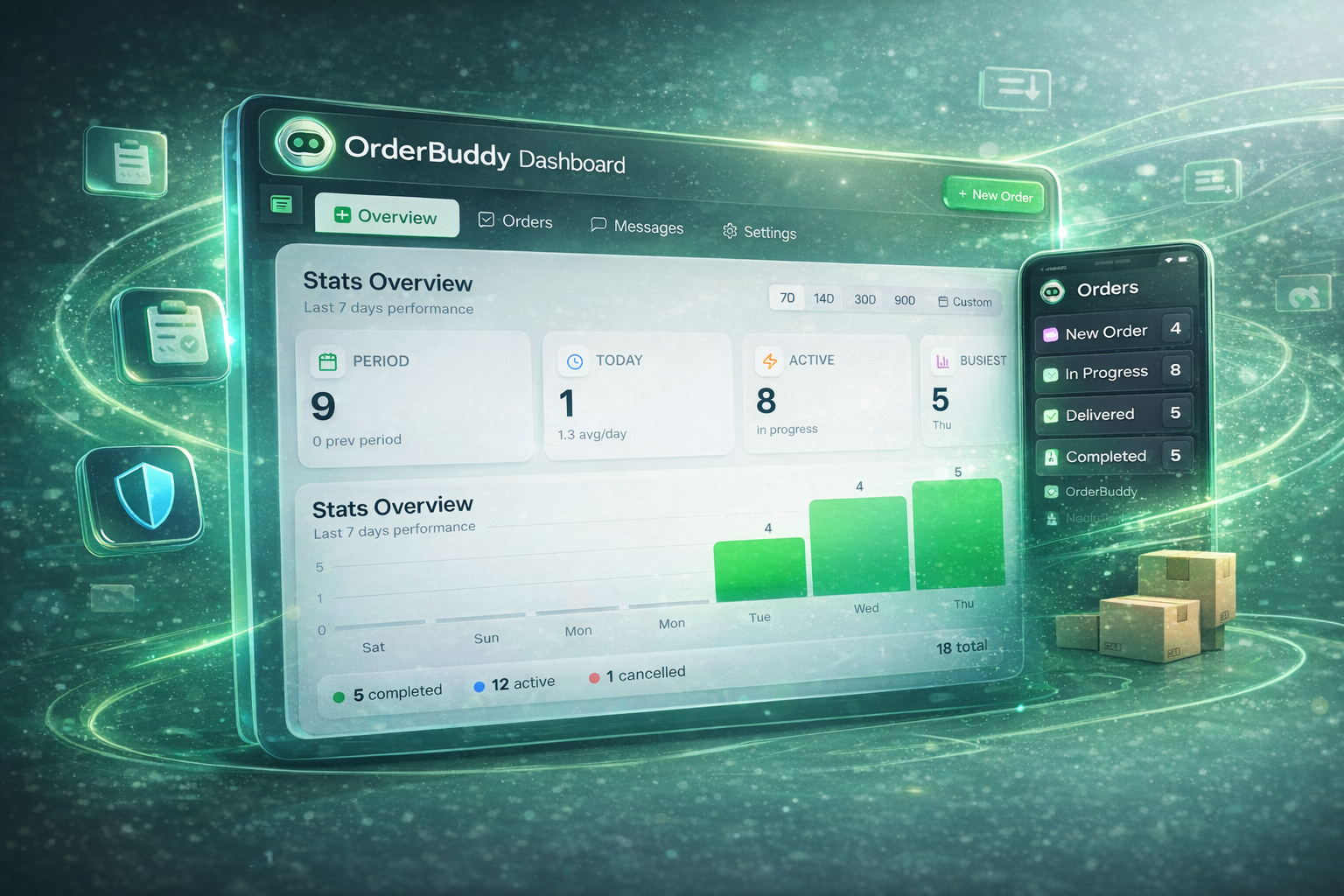
See all your orders, stats, and team activity in one place. The dashboard gives you a real-time overview with charts and quick filters to stay on top of everything.
- Live order stats and charts
- Filter by status, staff, or date
- Mobile-friendly order list
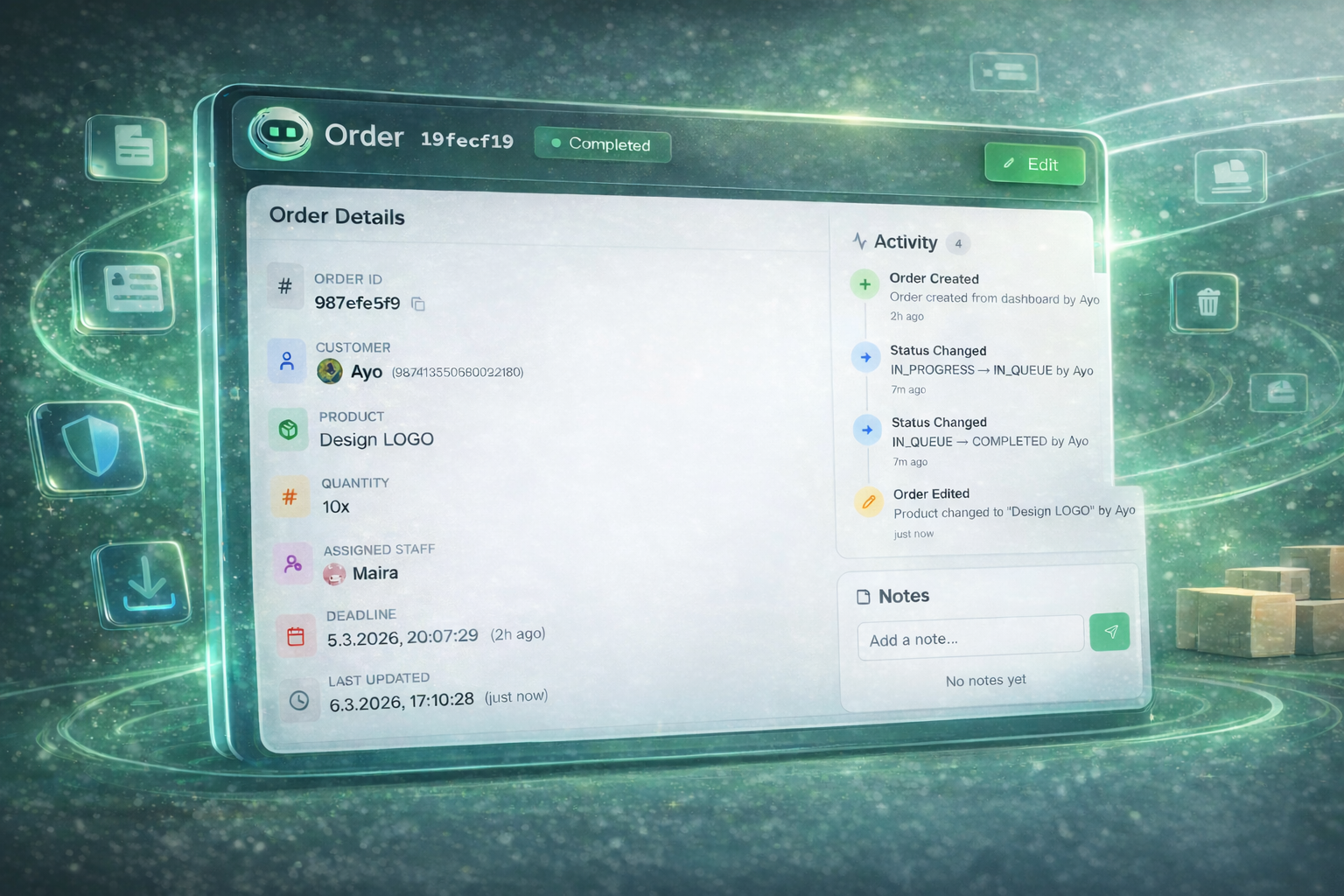
Every order in full detail
Dive into any order to see customer info, assigned staff, product details, and a full activity timeline. Add notes, change status, and track every update.
- Customer and staff profiles
- Full activity timeline
- Internal notes and quick edits
Ready to streamline
your orders?
Join 500+ Discord servers already using OrderBuddy to manage orders effortlessly.