
Everything you need to manage orders on Discord
OrderBuddy is packed with powerful features designed to make order management seamless for your Discord community.
Order System
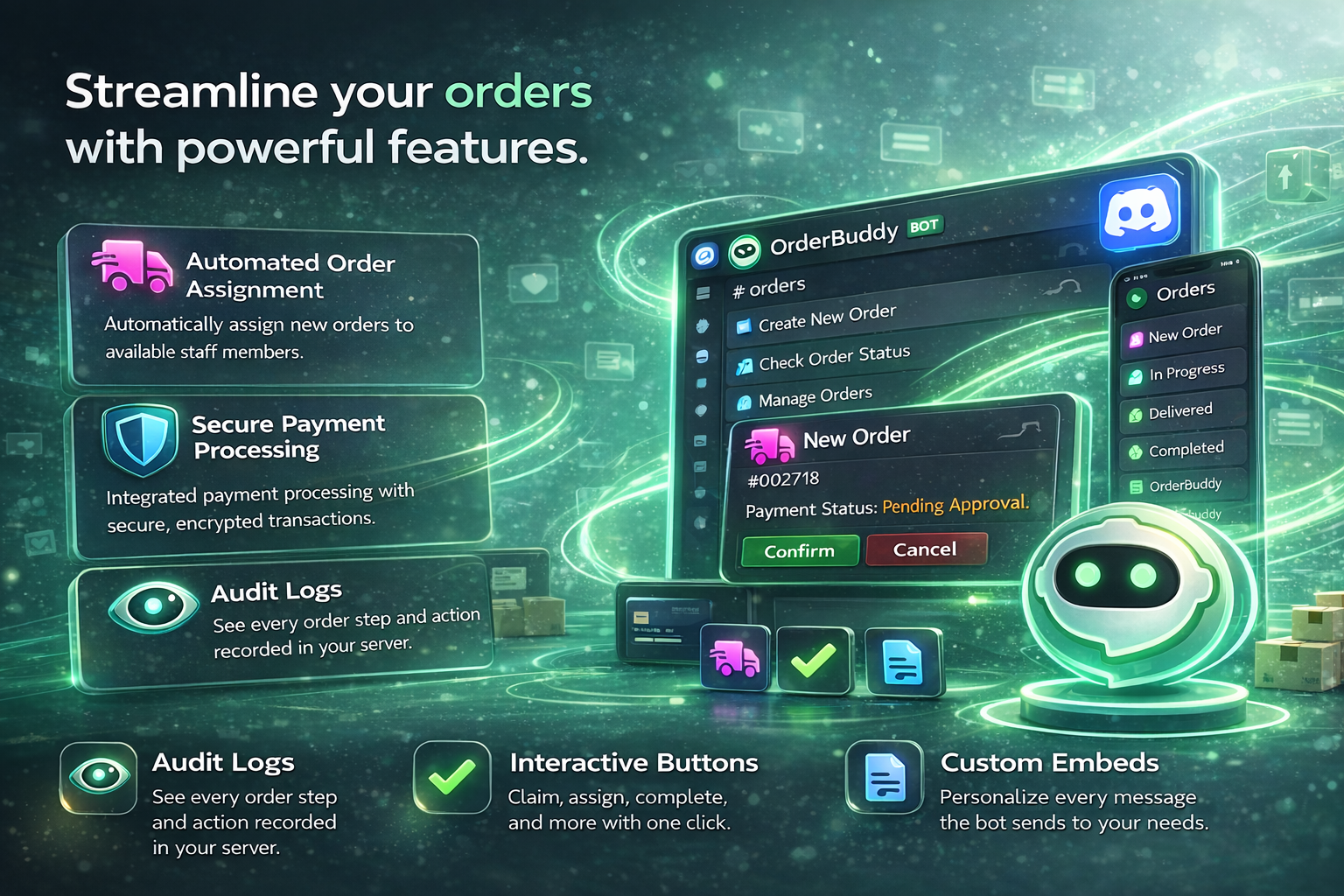
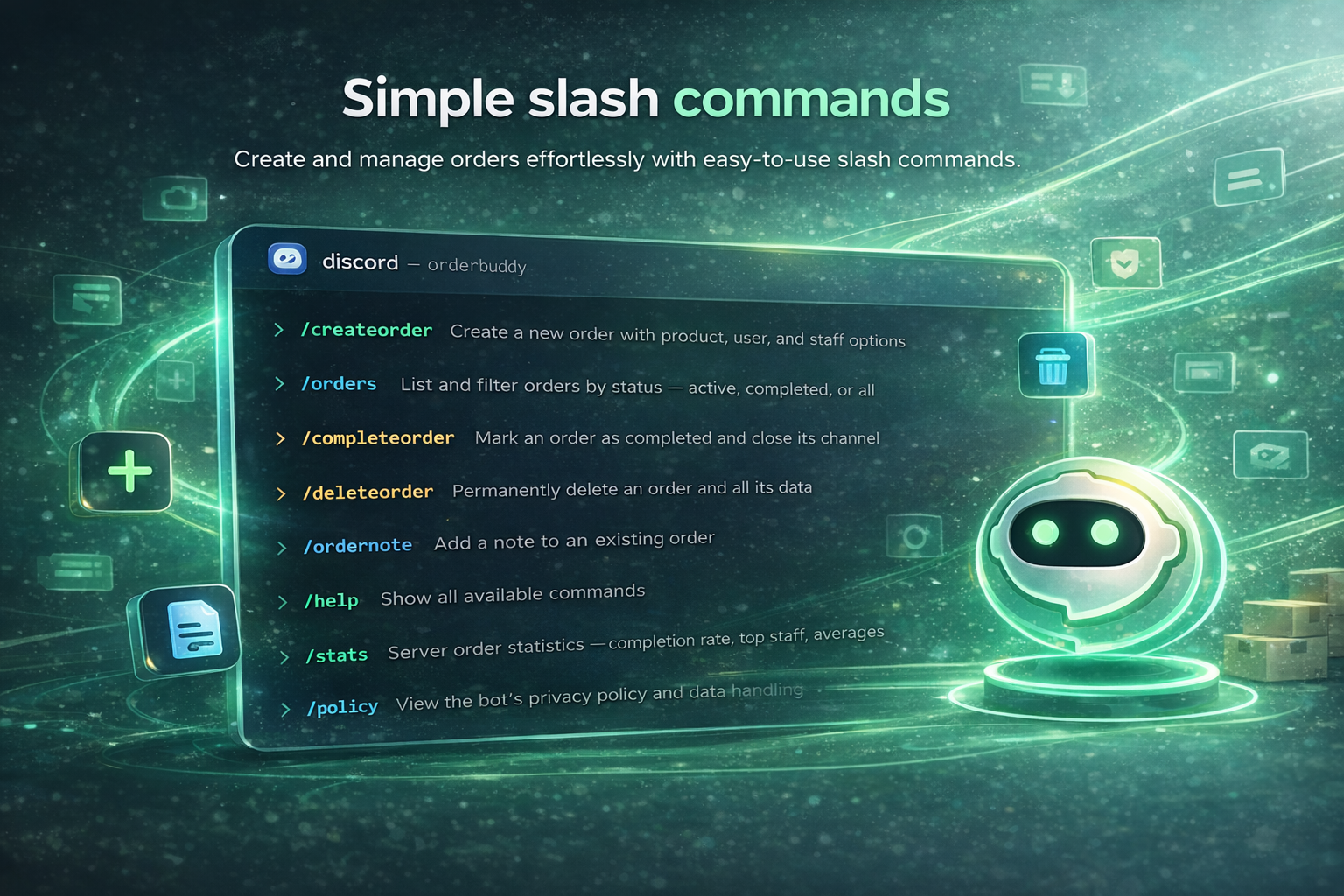
Create and manage orders seamlessly through Discord slash commands or the web dashboard. Every order gets its own dedicated channel for organized communication.
- Slash commands for quick order creation
- Dedicated order channels auto-created per order
- Real-time status tracking (Pending, In Progress, Completed)
- Auto-channel creation within your configured category
Natural Language Parser
OrderBuddy understands natural language order requests, making it easy for customers to describe exactly what they need without rigid forms.
- Understands requests like "I need 3 logos by Friday"
- Multi-language support for German and English
- Confidence scoring for parsed order details
- Automatic extraction of quantity, deadline, and description
Staff Presence Panel
Keep track of which staff members are online and available in real time with a dedicated presence panel.
- Real-time online/offline tracking of staff members
- Dedicated presence panel channel in Discord
- Visual status indicators for your team
- See who's available at a glance
Web Dashboard
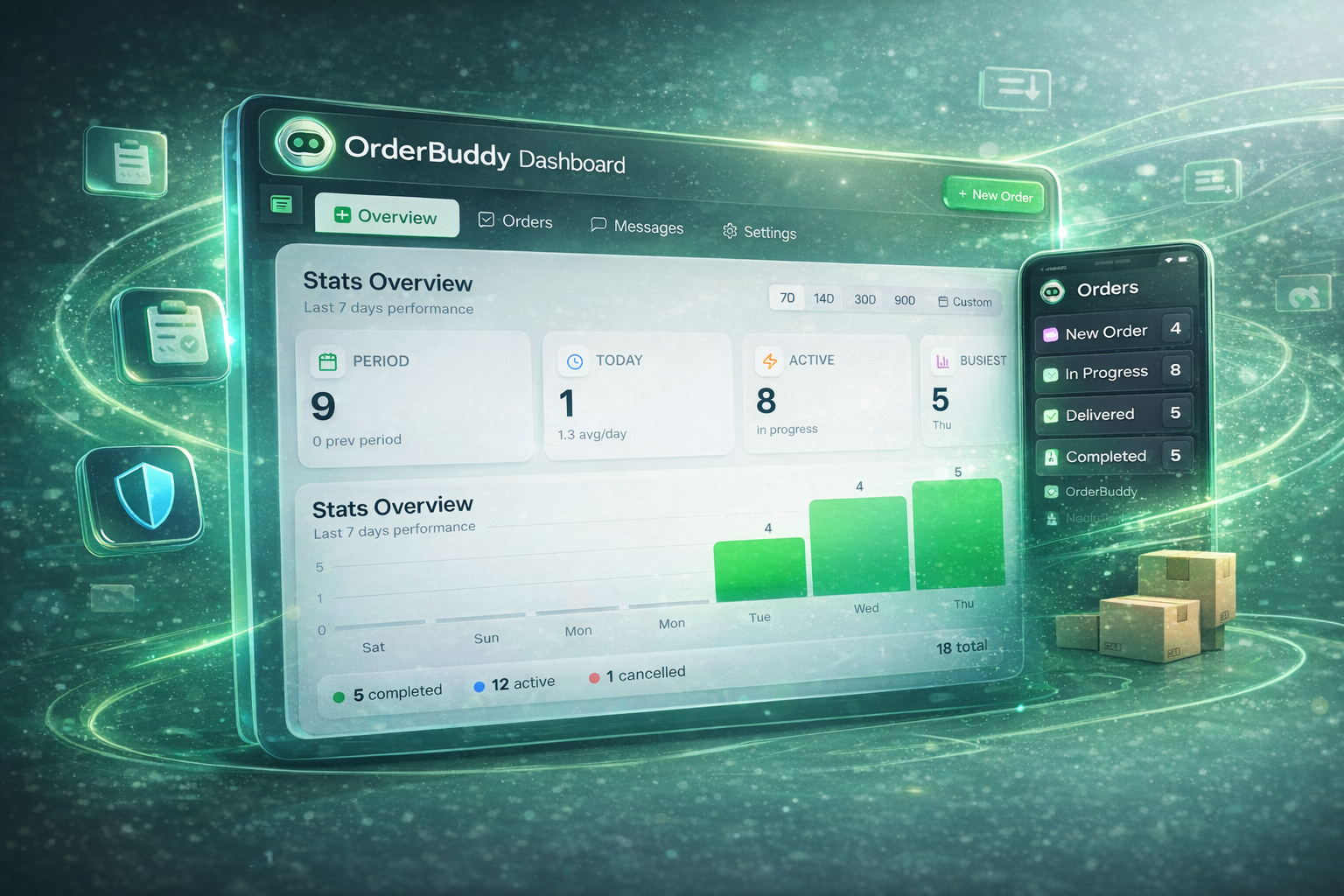
A full-featured web dashboard for managing every aspect of OrderBuddy, from orders to server configuration.
- Complete order management with filtering and search
- Server configuration and settings panel
- Product catalog management
- Custom message and embed editor
Audit Logging
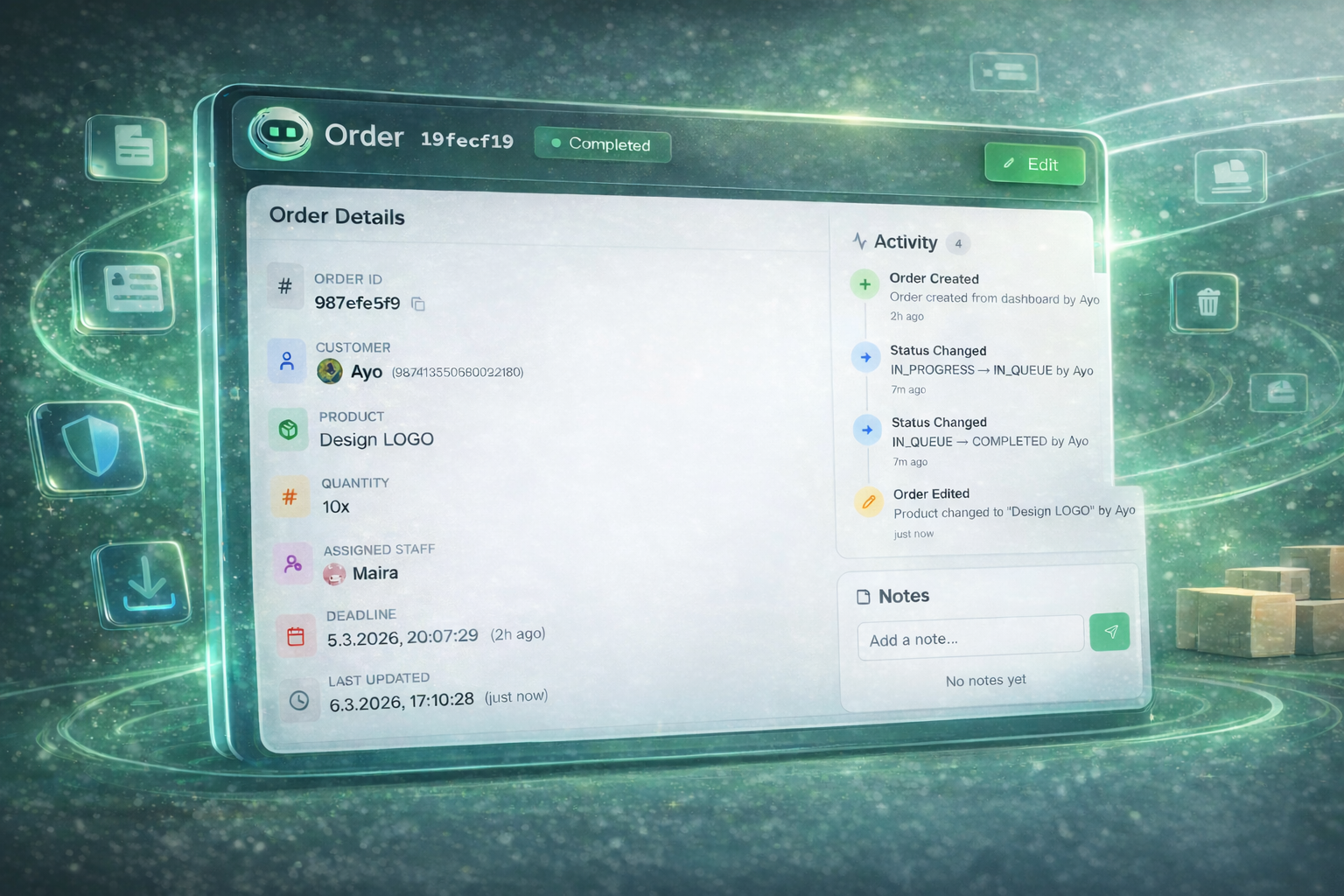
Every action taken on orders is logged and can be sent to a dedicated audit channel, keeping your team accountable.
- Every order action logged with timestamps
- Customizable audit log channel in Discord
- Embed templates for clean, readable logs
- Full history of who did what and when
Custom Messages
Personalize every message the bot sends. From order confirmations to status updates, make the bot feel like part of your brand.
- Customize every bot message and embed
- Visual embed editor in the dashboard
- Variable support ({orderId}, {customer}, {status}, etc.)
- Per-server message configuration
Module System
Enable or disable features per server. Only use what you need, and configure each module to fit your workflow.
- Enable/disable features individually per server
- Role-based permissions for each module
- Flexible configuration for every feature
- Lightweight setup — only activate what you need